Spring is finally here. The clocks have gone forward, we have more hours of sunshine per day, the trees are in blossom and the lambs are in the meadow. It is the season of new life. It is also the time of renewal at Sparkles. In this newsletter, we introduce a new product, new pages in CMS and a new functionality. We also like to give a friendly reminder and conclude with the predicted trends by Pinterest for this year. Happy reading!
In this newsletter:
The scratch sticker
New pages in CMS
Featured Images on the Product Listing Page (PLP)
Friendly reminder: do not place foil over bleed
Predicted trends by Pinterest
The scratch sticker
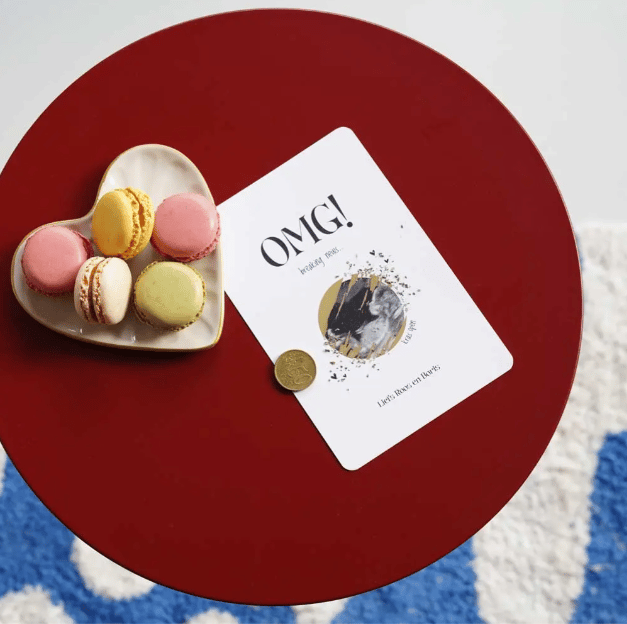
This new product was briefly touched upon in a previous newsletter: the scratch sticker. It is an original way of adding an element of surprise to a card. Stick the scratch sticker over an image or piece of text and let the recipient scratch away the sticker. The surprise will then appear. Curious about this product? View the manual here.
New pages in CMS
The ‘Designs’ page and the ‘Edit Cards’ page not only get a new, faster layout, but also a new name. As of the update, the ‘Designs’ page is called ‘Suggested Designs’ and the ‘Edit Cards’ page becomes ‘Design Management’. The core functions remain pretty much the same, but you’ll notice that everything works faster and more clearly.
What are the benefits?
Time savings. Through optimisations in the publishing process, we hope to save time when putting designs live.
Smart tagging. Tags are automatically suggested and with the new tag modal (including search function) you quickly select the right tags.
More images. Easily add multiple Featured Images for on the PDP.
URLs. With SEO guidelines in mind, keywords are automatically removed from URLs and a warning will appear when inserting foreign characters.
Manuals up-to-date
We’ve also updated the manual for both pages. Be sure to take a look to find out how to publish cards and products from now on. Click here for the new ‘Suggested Designs’ page and here for the updated ‘Design Management’ page.
Tip
On the PLP you will no longer be able to edit your designs directly (this made the page too slow). Still want to quickly edit multiple designs? Use Ctrl-click (Windows) or Command+click (Mac) to open designs in separate tabs and edit them as efficiently as possible.
We hope you are as excited about these improvements as we are!
Featured Images on the Product Listing Page (PLP)
There is new functionality for Featured Images, allowing Featured Images to be shown on the PLP instead of the Product in Picture (PIP) preview. The PIP preview on the PLP is then overwritten with a Featured Image.
How does this work? In the CMS, go to Design Management, click on the relevant design and go to ‘product images’. Then check the box next to ‘The featured image will overwrite the automatic product image (PIP) on the product list page (PLP)’.
Friendly reminder: do not place foil over bleed
Lately, we have received several remarks from the print shop about orders where the foil crosses the cutting or die-cutting line. These orders cannot be cut because the layer of film and paper is too thick. We would therefore like to reiterate that film should not be placed over the cutting or die-cutting line. A 1 mm white space must always be added to a foil element. The cutting margin of a card is 3 mm per side. Make sure that all foil elements are within the cutting or die-cut lines. Otherwise the orders will end up in the container and that is of course a great shame…
Predicted trends by Pinterest
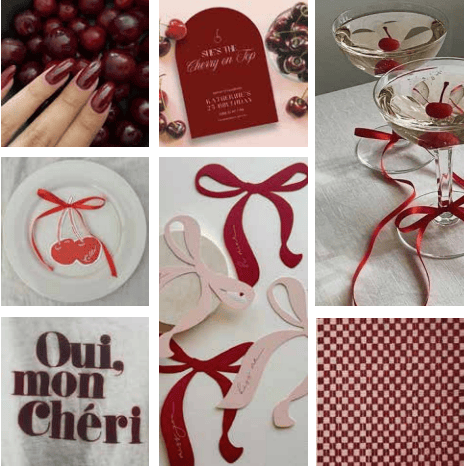
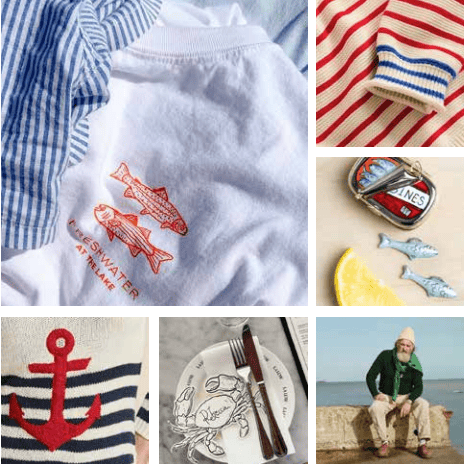
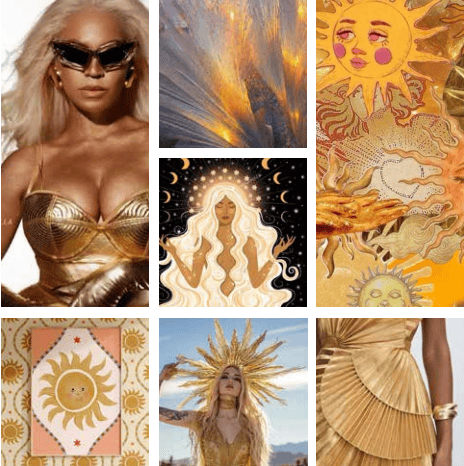
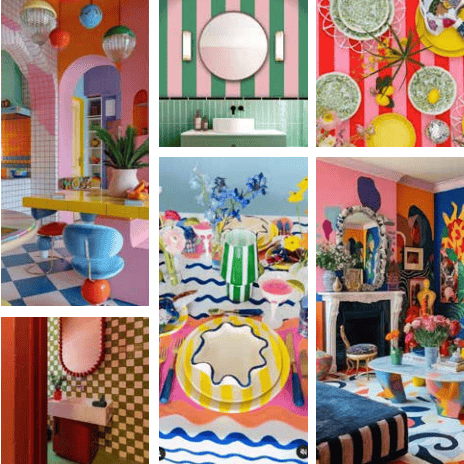
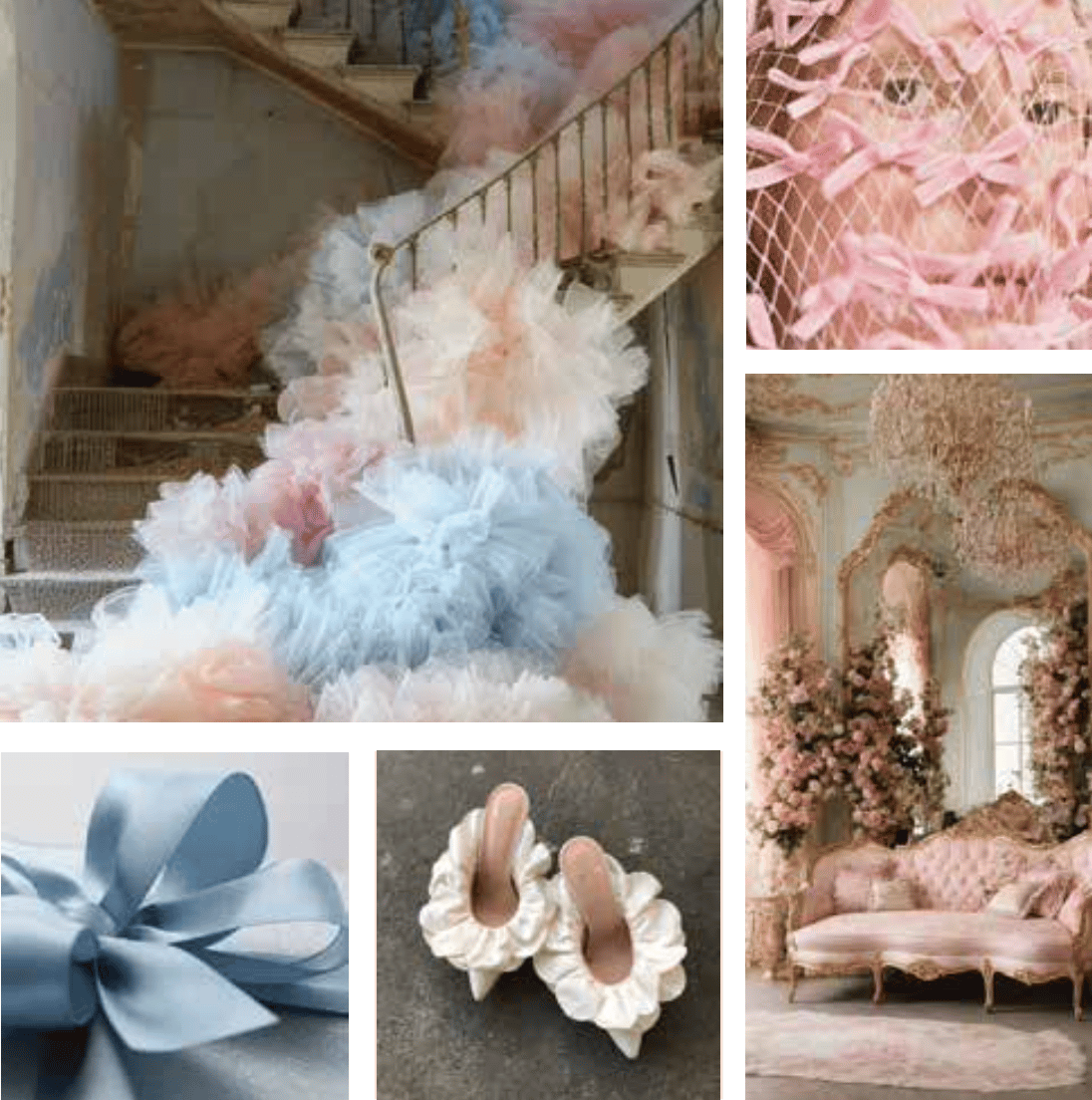
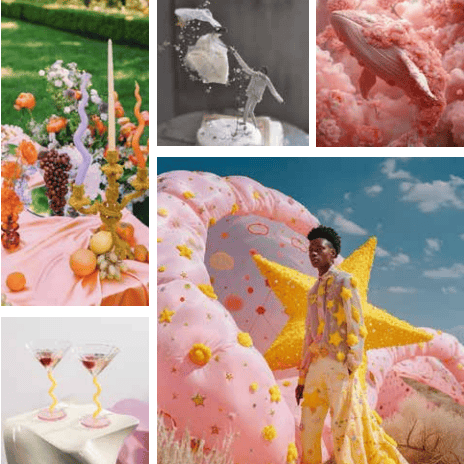
“Pinterest Predicts 2025”. These are the trends Pinterest has predicted for this year. Twenty in total, six of which we would like to briefly highlight:
Cherry Coded
Fisherman Aesthetic
Goddess Complex
Mix & Maximalist
Rococo Revival
Surreal Soirees
Any questions? Let us know.
You can always contact us via e-mail. On our support site you can also always find manuals, product specifications and tips.